

A library that looks after itself
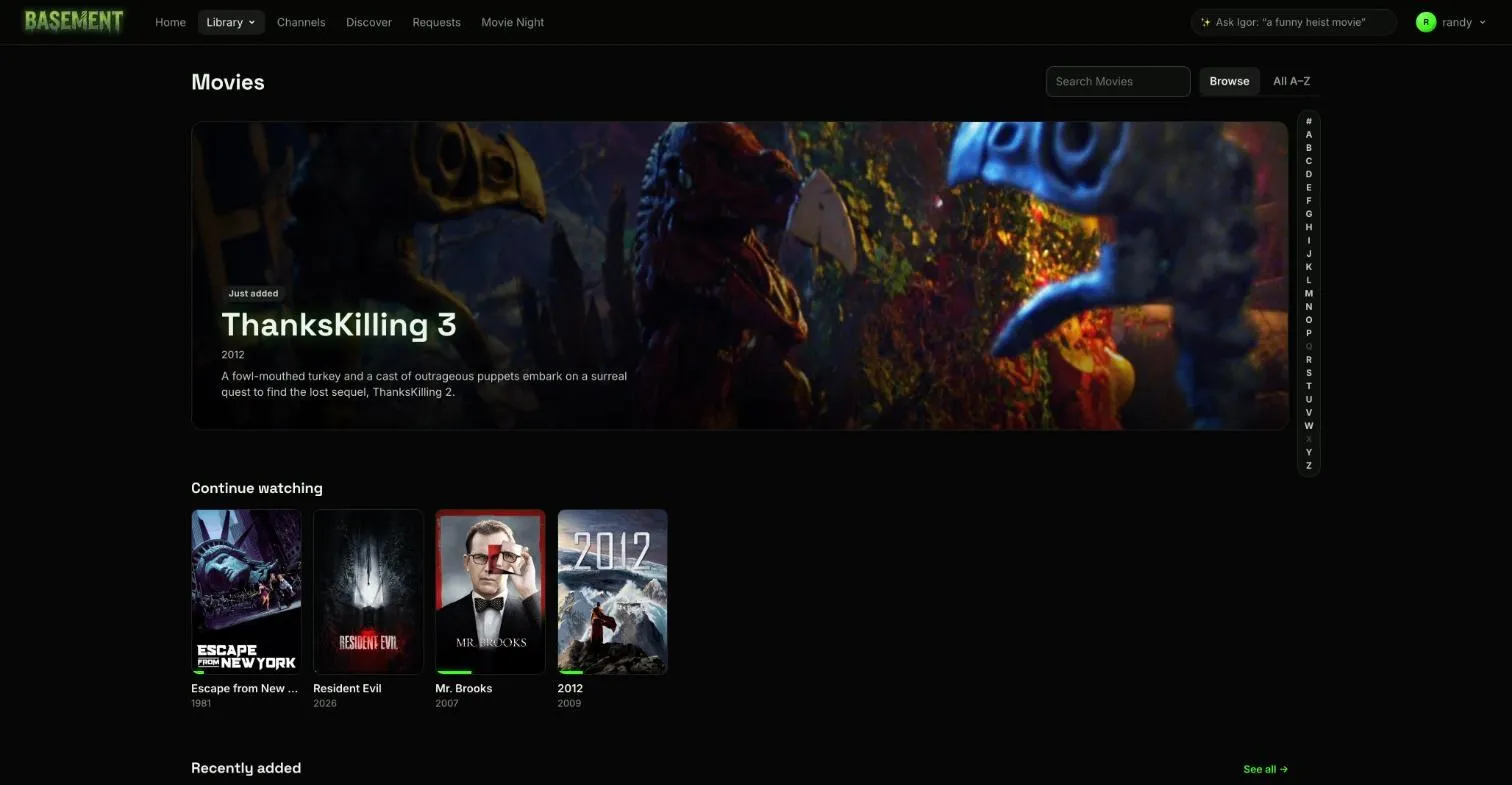
Basement matches, sorts and polishes your files, with intro skips, scrub previews, ratings and lists, without you babysitting folders.
Skip intros and credits
Basement finds them by comparing episodes of a season, and by chapter marks.
Scrub previews
Hover or drag the timeline and see the frame you'll land on.
Ratings and reviews
Scores from several sources show beside each title, next to reviews from your household.
Collections and lists
Film series group themselves, and a TMDB, IMDb, Trakt or Letterboxd list becomes a collection.
Several versions of one title
A 4K file and a smaller one sit under one title, and Basement picks the right one per device.
Playlists
Make a playlist of titles and play it through with autoplay.
Drop files in a folder and Basement identifies them, fetches posters and details, and puts new arrivals on Home. If you keep NFO files beside your media, it reads them.
The same title can have more than one file. Basement groups them, shows what each one is, and recommends the best one for the device you’re on.